








AI Copilots and How Does It Work is one of the most searched questions as workplace AI becomes standard in 2026. Here's the short answer. An AI copilot is a generative AI layer built into an app like a document editor, code editor, or CRM. It reads what's on your screen, understands plain language requests, and produces drafts or suggestions, while a human approves the final output.
What Are AI Copilots and How Does It Work?
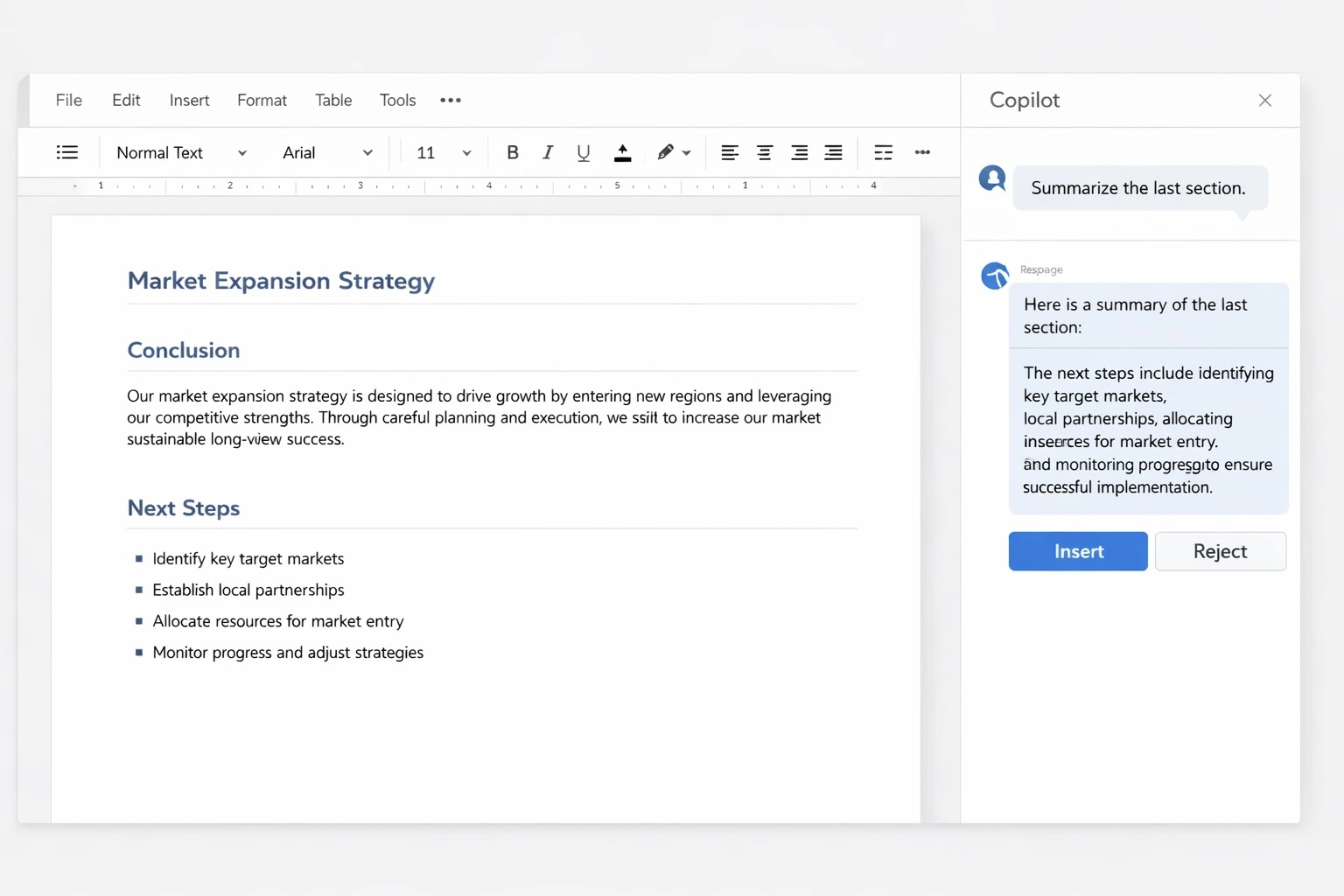
An AI copilot is an AI assistant built directly into a tool you already use. It doesn't run as a separate app. It sits inside Word, VS Code, or Salesforce, sees what you're working on, and responds to plain language instructions.
What Is the Core Definition of an AI Copilot?
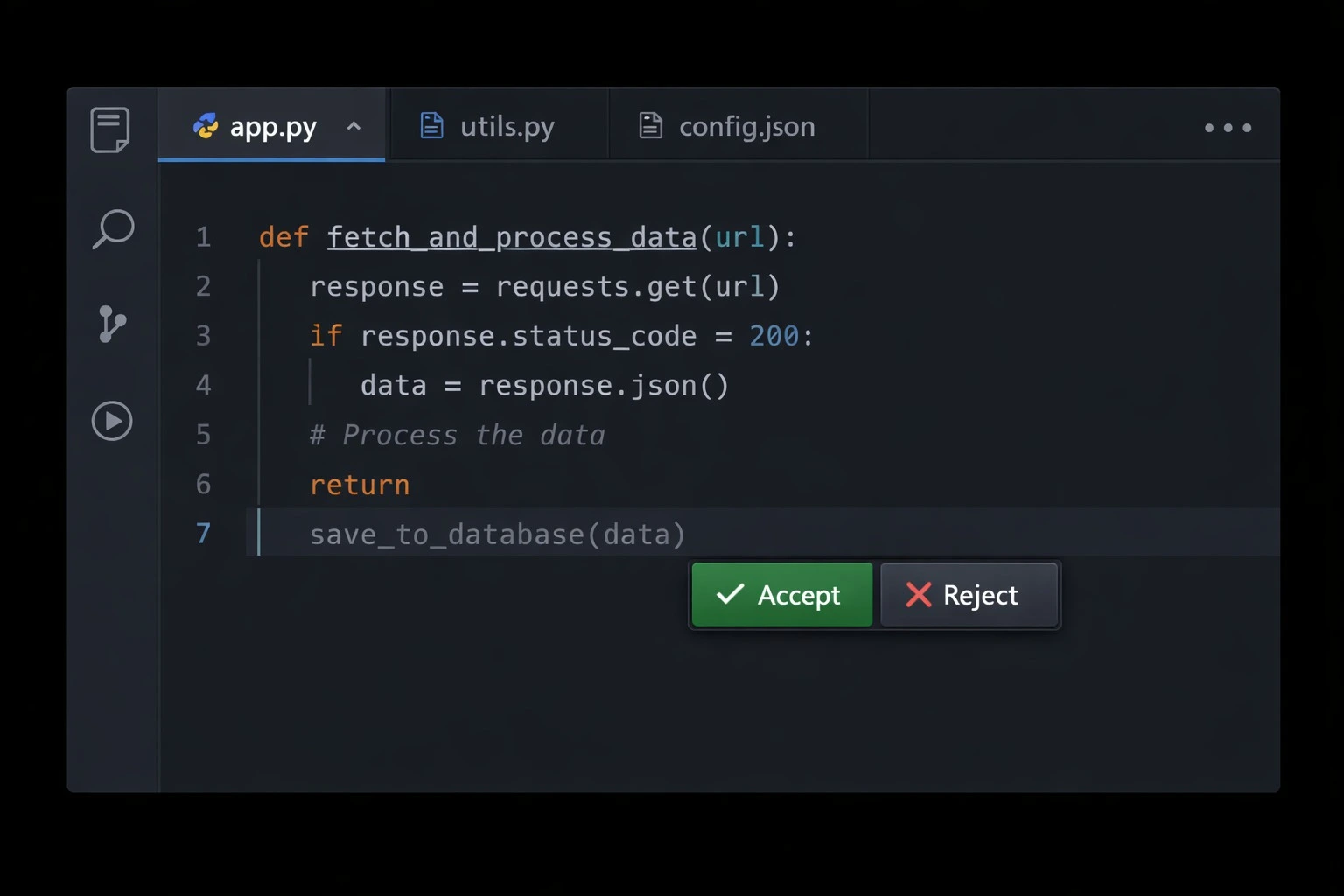
A copilot combines three things: a language model, access to your current context (a file, a ticket, a sheet), and a set of actions it's allowed to take. It suggests things rather than acting on its own. You still approve, edit, or reject what it produces.
What Makes a Copilot Different From a Chatbot?
A regular chatbot answers you in its own separate window. Copilot is aware of context. It reads the paragraph you're editing or the code you just wrote, and its output is built to drop straight into your work.
A copilot is made up of a few simple parts that work together:
-
Language model: interprets your request and generates the text or code
-
Context window: reads whatever document or codebase you have open
-
Connectors: pull in data from your calendar, CRM, or other apps
-
Guardrails: filter out unsafe or clearly wrong output
-
Human review: the final check before anything gets used
How Do AI Copilots Work Behind the Scenes?
How AI Copilots Work comes down to a simple loop that repeats every time you use one. It captures context, figures out what you're asking for, pulls in any data it needs, generates a response, and then lets you refine it.
What Technologies Power a Copilot?
Natural language processing lets the copilot understand your instructions in plain English. Machine learning helps it improve its suggestions based on how you've edited things before. Retrieval systems pull in outside data, so answers reflect current information instead of only what it learned during training. Put together, this is the heart of AI Copilots and How Does It Work in practice.
What Is the Step-by-Step Workflow?
Here's how AI Copilots works, in simple steps:
-
Trigger: you type a prompt or highlight some content
-
Context capture: the copilot reads the file, thread, or sheet you have open
-
Retrieval: it pulls in any relevant data from connected sources
-
Generation: the model drafts text, code, or a suggested next step
-
Human review: you edit, accept, or throw out what it gave you
What Are the Benefits of AI Copilots for Teams?
Benefits of AI Copilots start with the time you save on repetitive work, but the value goes further than just speed.
How Do These Benefits Show Up Daily?
On a normal day, a copilot can draft an email, summarize a long thread, or write boilerplate code for you. That cuts down on time spent on routine tasks, so people can spend more energy on decisions that need a human.
What Long-Term Value Do Organizations Gain?
Over months of regular use, a copilot adapts to a person's tone and habits. It reduces errors from manual data entry and helps less experienced staff produce stronger first drafts faster. Here's what that adds up to:
-
Faster drafting: emails, reports, and slides put together in minutes
-
Fewer errors: formulas and data checks happen automatically
-
Better decisions: quick summaries surface useful insight fast
-
Skill leveling: junior staff can produce senior-quality first drafts
Taken together, these benefits of AI copilots explain why adoption keeps rising. At its core, this is AI Copilots and How Does It Work turns into real, measurable time saved.
What Are the Most Common AI Copilot Use Cases?
AI Copilot Use Cases span nearly every knowledge-work function, from writing and coding to support and analytics.
Which Everyday Use Cases Matter Most?
The most common AI Copilot use cases include drafting documents, summarizing meetings, writing and debugging code, building spreadsheet models, and answering internal HR or IT questions right away.
What Industry-Specific Use Cases Are Growing?
Beyond everyday tasks, different industries are shaping their own version of these workflows:
-
Software development: code completion, bug detection, and test generation
-
Sales and CRM: drafting follow-up emails and summarizing customer history
-
Finance: reconciliations, financial modeling, and report drafts
-
Healthcare: clinical note summarization and less administrative work
-
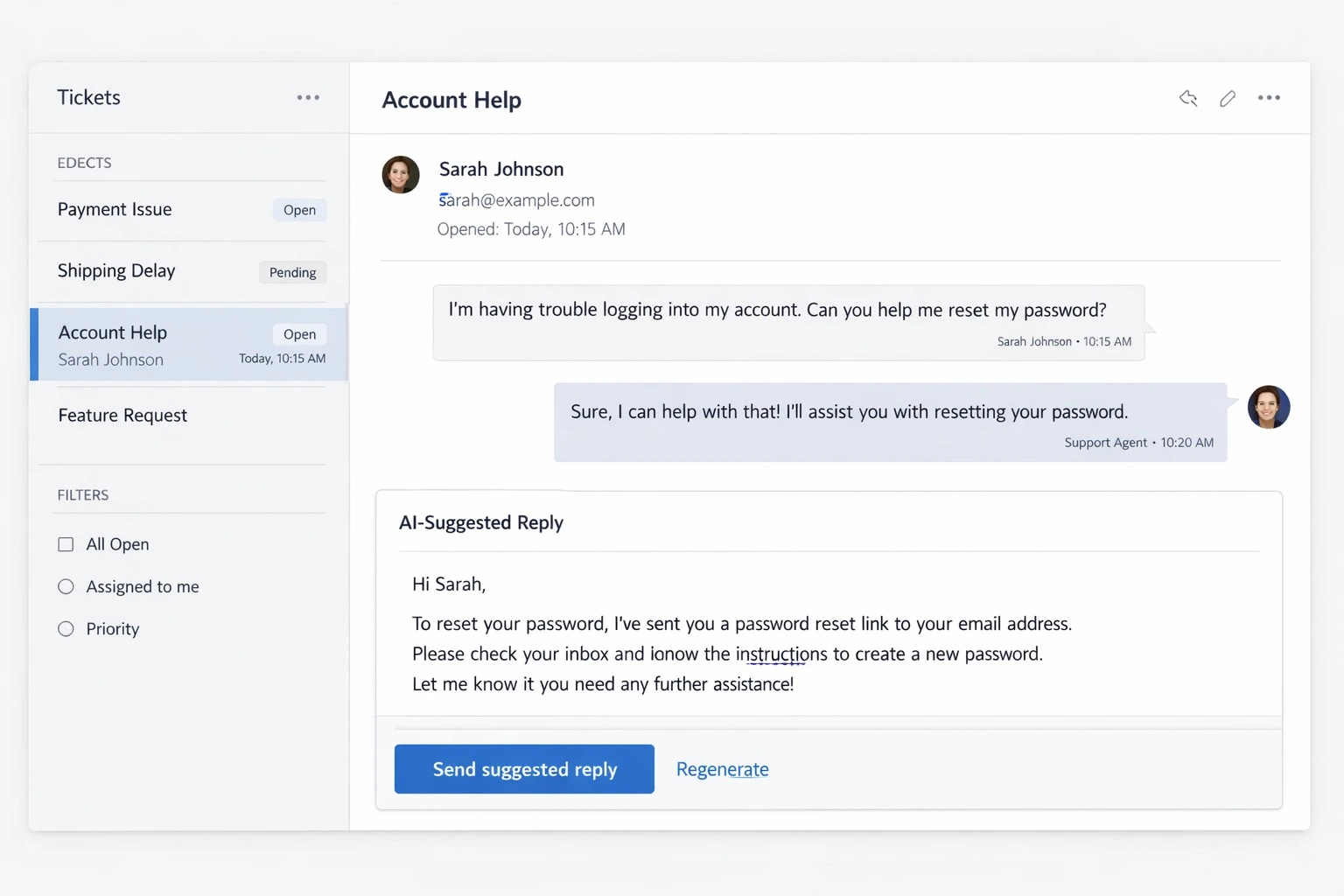
Customer support: suggested replies and ticket summarization
This wide range of tasks is exactly why AI Copilots and How Does It Work keep getting searched. The applications touch nearly every role in a company.
AI Copilot vs AI Assistant: What's the Real Difference?
AI Copilot vs AI Assistant is a question a lot of people ask, and the difference really comes down to where each one lives and what job it's meant to do.
How Does the Comparison Break Down?
An assistant, like a voice assistant or a standalone chatbot, works on its own without being tied to any document. It handles general questions. A copilot works inside a specific app and stays tied to that app's content and data. That's the core of the split between the two.
| Factor | AI Copilot | AI Assistant |
| Where it lives | Built into an app like an editor or CRM | Stands on its own (web, voice, or app) |
| Main job | Helps you create content inside your active work | Answer questions and general commands |
| Context depth | Deep, since it sees the open file or thread | Shallower, since it relies mostly on your prompt |
What Types of AI Copilots Exist Today?
Copilots generally fall into a few groups, depending on what they're built to help with:
-
Productivity copilots: documents, spreadsheets, presentations, and email
-
Coding copilots: code completion, review, and debugging
-
Security copilots: threat detection and incident response
-
Sales and CRM copilots: customer notes, follow-ups, and forecasting
-
Data science copilots: cleaning datasets, building models, and explaining results in plain language
If you want to build the skills behind this kind of work, our data science course walks through how these copilots fit into a real analyst's day-to-day workflow.
What Do People Also Ask About AI Copilots?
Are AI copilots free to use? Many offer a limited free tier. Deeper integrations and higher usage limits usually require a paid business plan.
Can AI copilots replace jobs? They're built to assist, not replace. A copilot handles drafts and repetitive steps, while people maintain the judgment and accountability.
Are AI copilots secure for business data? A reputable copilot runs inside an organization's existing security setup, but admins should still review data access settings before rolling one out.
Do AI copilots make mistakes? Yes. Like any AI model, a copilot can give inaccurate or outdated answers. That's why the human review step still matters every time.
Is Microsoft Copilot the same as ChatGPT? No. Microsoft Copilot is built into Microsoft 365 apps, while ChatGPT is a standalone assistant you can use outside of any single app.
How Can You Start Using an AI Copilot Today?
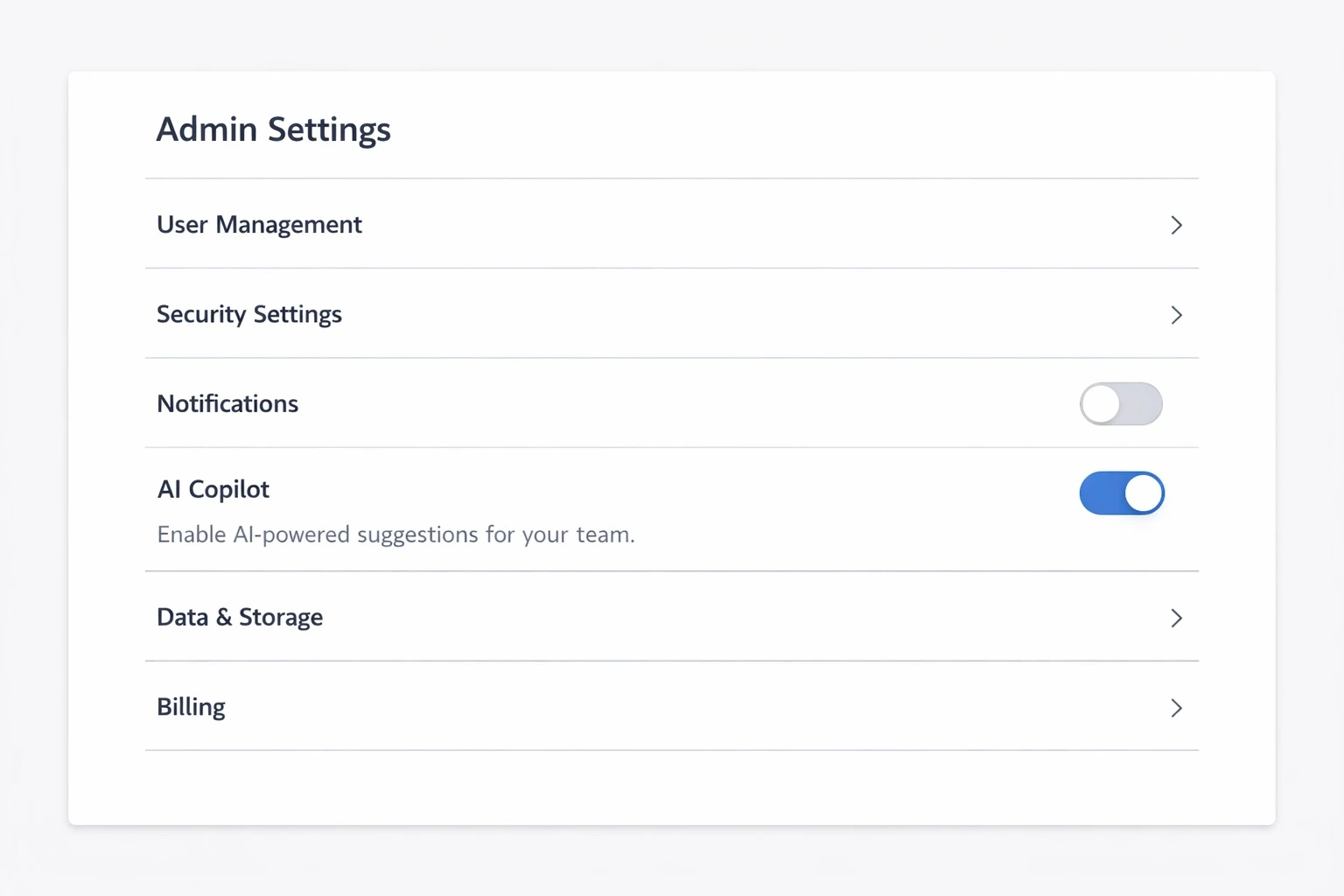
Check whether your document editor, code editor, or CRM already has a copilot built in. Turn it on through admin settings if necessary, and start with something low-stakes, like summarizing an email thread, before trusting it with anything critical. That's really the practical side of AI Copilots and How Does It Work. Most people already have access to one.
Conclusion
AI Copilots and How Does It Works really comes down to one simple idea. Copilot brings AI directly into the tools you already use, reads your context, and drafts things for a human to review before they count. Across the benefits, the use cases, and the copilot versus assistant distinction, the same pattern holds. Copilots assist. Humans decide.